
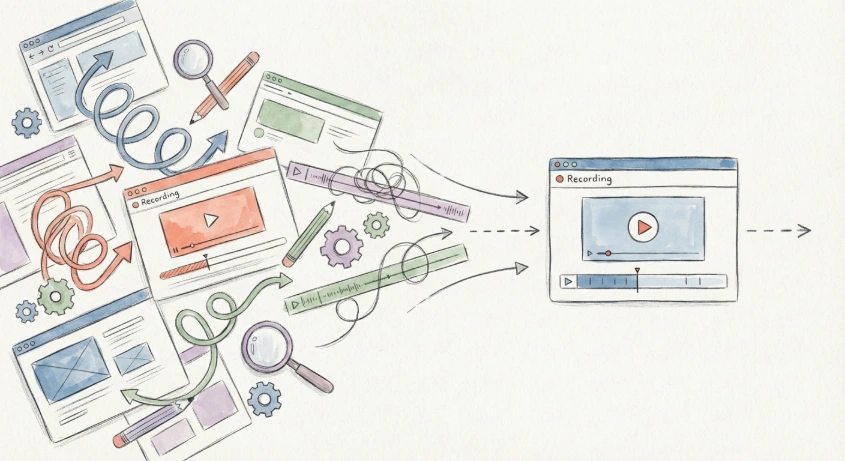
I’ve been building a screen recording tool, and one feature I really care about is Stickers – little shapes, lines, and text you can overlay on the video to emphasize, annotate, or highlight things.
At first, my implementation was very “standard”:
- Perfect vector shapes
- A few fonts picked from Google Fonts
And the result looked… fine. But also stiff, boring, and very “tool-ish”. The shapes felt too geometric, and none of the fonts had that warm, natural, “hand-drawn” feel.
In my head I kept thinking:
“If I could get something like Excalidraw’s style, that would be perfect.”
So I asked AI to help me research how Excalidraw achieves that look.
Step 1: Finding the font – Virgil → Excalifont
AI first pointed me to Virgil, the hand-drawn-looking font Excalidraw used.
When I googled it, I found out Virgil is actually the old version, and the newer version is called Excalifont: https://plus.excalidraw.com/excalifont
Checked the license: MIT-based, no usage restrictions, commercial use allowed. Perfect. 🙌 Huge respect to the Excalidraw team for open-sourcing this.
Step 2: Hand-drawn lines & shapes – roughjs
The second key ingredient AI found was roughjs, which Excalidraw uses to render hand-drawn style shapes and lines.
Repo: https://github.com/rough-stuff/rough (20k+ ⭐ on GitHub)
Rough.js is a small (gzip < 9kB) graphics library that lets you draw shapes in a sketchy, hand-drawn style.
Exactly what I needed for my stickers.
Step 3: Wiring it up – Excalifont + roughjs
Once I knew the two core pieces, implementation became straightforward.
1) Download & define Excalifont
You can grab the font here: https://excalidraw.nyc3.cdn.digitaloceanspaces.com/fonts/Excalifont-Regular.woff2
Then define it in your CSS:
@font-face {
  font-family: 'Excalifont';
  src: url('/fonts/Excalifont-Regular.woff2') format('woff2');
  font-weight: 400;
  font-style: normal;
}
Now you can use it anywhere in your app:
.sticker-text {
  font-family: 'Excalifont', system-ui, sans-serif;
}
2) Install roughjs
pnpm add roughjs
# or
npm install roughjs
# or
yarn add roughjs
Then you can use it to draw shapes with that hand-drawn feel (e.g. on <canvas> or SVG).
Step 4: Let AI handle the glue
After I had the building blocks (font + roughjs), I let AI help me with:
- generating small utility wrappers around roughjs
- designing a consistent “sticker” API (rectangle, arrow, underline, callout, etc.)
- tweaking parameters to make it look less “noisy” but still hand-drawn
Now my screen recording tool has stickers that look much closer to Excalidraw’s playful, sketchy style instead of boring default shapes.
If you’re building anything involving annotations, diagrams, or UI overlays, I highly recommend this combo:
- Excalifont for the handwritten look
- roughjs for sketchy lines & shapes
Also curious: Has anyone here gone deeper into recreating Excalidraw-like interactions or styling? Would love to see examples or hear about your approach.